What Is TLS-RPT? How to Set Up MTA-STS Safely (Step by Step)
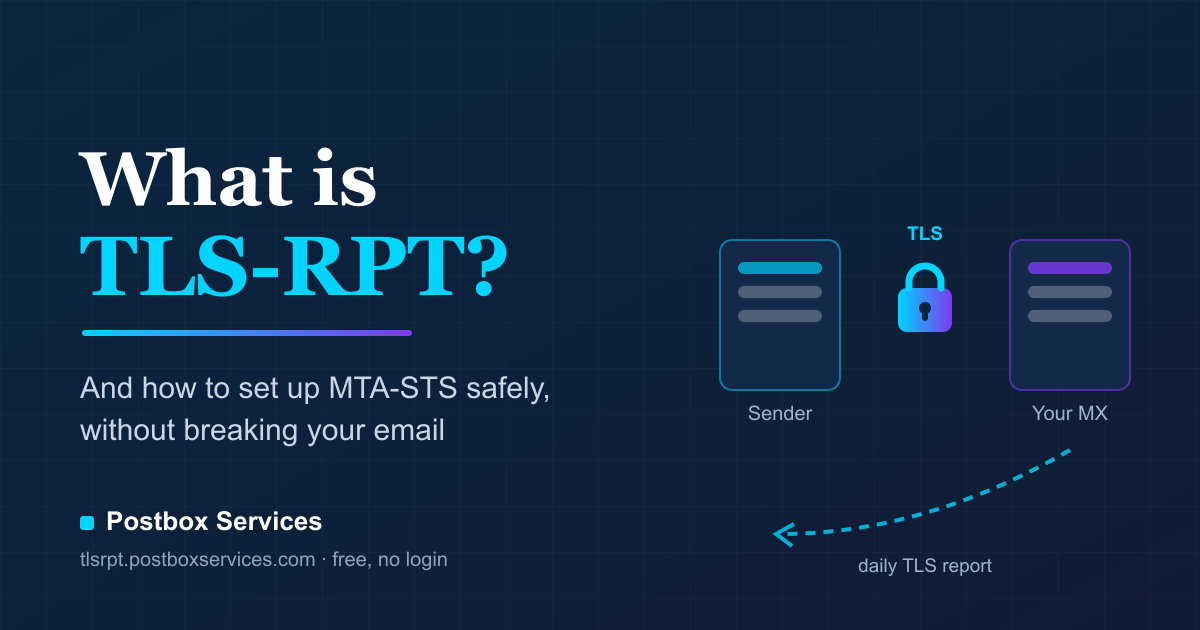
Almost every legitimate email today travels between servers over an encrypted TLS connection. When that encryption fails - an expired certificate, a misconfigured mail host, an attacker forcing a downgrade to plain text - you are usually the last to know, because the mail often still gets delivered. TLS-RPT is the feedback loop that fixes this: the world's biggest mailbox providers will tell you, every day, exactly how their connections to your mail server went.
This guide explains what TLS-RPT is, what the reports actually contain, how it pairs with MTA-STS - and the safe order to set both up, because doing it in the wrong order is the single most common way domains end up looking broken.
What is TLS-RPT?
TLS-RPT (SMTP TLS Reporting, defined in RFC 8460) is a reporting standard for inbound email transport security. You publish one DNS TXT record saying "send my TLS reports here", and providers that deliver mail to your domain - Google and Microsoft are the big reporters today - send you a daily JSON summary of every TLS negotiation with your mail servers: how many sessions succeeded, how many failed, and why they failed.
The record lives at _smtp._tls.<your-domain> and looks like this:
_smtp._tls.yourcompany.example. IN TXT "v=TLSRPTv1; rua=mailto:[email protected]"The rua= field accepts several destinations separated by commas (mailto addresses or HTTPS endpoints), so you can send reports to your own mailbox and a monitoring service at the same time.
The one rule people break: your domain must have exactly one TLS-RPT record. If a second v=TLSRPTv1 record appears at _smtp._tls, RFC 8460 tells senders to ignore all of them - reporting silently stops. If you want a second destination, add it to the existing record's rua= list with a comma; never create a second record.
What a TLS report looks like
Each reporter sends one compressed JSON attachment per day. Unpacked, it looks something like this:
{
  "organization-name": "Example Webmail Inc.",
  "date-range": { "start-datetime": "2026-07-14T00:00:00Z",
                  "end-datetime": "2026-07-14T23:59:59Z" },
  "report-id": "2026-07-14-yourcompany.example",
  "policies": [ {
    "policy": { "policy-type": "sts", "policy-domain": "yourcompany.example" },
    "summary": { "total-successful-session-count": 412,
                 "total-failure-session-count": 7 },
    "failure-details": [ {
      "result-type": "certificate-host-mismatch",
      "receiving-mx-hostname": "mx1.yourcompany.example",
      "failed-session-count": 5
    }, {
      "result-type": "sts-policy-fetch-error",
      "receiving-mx-hostname": "mx1.yourcompany.example",
      "failed-session-count": 2
    } ]
  } ]
}
The interesting part is failure-details. Here is what the common failure types actually mean, in plain English:
| Failure type | What it means for you |
|---|---|
starttls-not-supported | Your mail server did not offer encryption at all. Senders fell back to plain text (or refused, under MTA-STS enforce). |
certificate-expired | Your mail server presented an expired certificate. Renew it. |
certificate-host-mismatch | The certificate does not match your MX hostname - often a load balancer or CDN certificate showing up where the mail cert should be. |
certificate-not-trusted | The certificate is self-signed or from a non-public authority. Fine for opportunistic TLS, fatal under MTA-STS. |
sts-policy-fetch-error | The sender could not download your MTA-STS policy file. Almost always the half-finished setup described below. |
sts-policy-invalid | Your policy file exists but does not parse - wrong fields, wrong values, or the wrong content type. |
validation-failure | A general TLS validation failure that did not fit a more specific bucket. |
Direction check: TLS-RPT is about mail delivered to your domain. It is the receiving-side sibling of DMARC reporting, which covers mail sent as your domain. Most domains should run both - they answer different questions. (Our free DMARC monitor covers the sending side.)
Where MTA-STS comes in
Plain SMTP encryption is opportunistic: the sender asks "do you support encryption?", and if anything interferes with that question - including an attacker on the network path - the conversation quietly falls back to plain text. Opportunistic TLS protects against passive snooping, not against an active attacker.
MTA-STS (RFC 8461) closes that gap. It lets you publish a policy that says: "only deliver mail to me over validated TLS, and only to these mail servers." A sender that honors the policy will refuse to deliver at all rather than fall back to plain text or hand mail to an unlisted host.
MTA-STS has exactly two parts, and the relationship between them is where every setup guide should slow down:
Part 1: the policy file (create this FIRST)
A small text file served at https://mta-sts.<your-domain>/.well-known/mta-sts.txt:
version: STSv1
mode: testing
mx: mx1.yourcompany.example
mx: mx2.yourcompany.example
max_age: 604800- mode -
testing(senders report what would fail but deliver anyway),enforce(senders refuse delivery on failure), ornone(policy retired). - mx - one line per allowed mail host. A wildcard like
*.example.comcovers exactly one extra label: it matchesmx1.example.combut nota.b.example.com. - max_age - how long (in seconds) senders may cache your policy. Start around 7 days; extend once stable.
Serving details matter: valid HTTPS certificate for the mta-sts hostname, content type text/plain, no redirects. The spec formally wants CRLF line endings; most senders tolerate plain LF, but strict validators will note it.
Part 2: the DNS record (publish this LAST)
_mta-sts.yourcompany.example. IN TXT "v=STSv1; id=20260715120000"The id value is a version marker, usually a timestamp. Senders cache your policy file for up to max_age; changing the id is how you tell them "the policy changed, fetch it again." Bump it on every policy file edit - including the eventual switch to enforce.
The four states your domain can be in
This is the part most guides skip, and it is the reason setup order matters:
| DNS record | Policy file | Result |
|---|---|---|
| absent | absent | Fine. MTA-STS is simply off. TLS-RPT still works and still reports. |
| absent | present | Fine. The file is invisible until the record exists - a safe staging step. |
| present | absent | Harmful. Every sender sees the record, tries to fetch the missing file, and logs sts-policy-fetch-error - on every delivery, forever, until you fix it. |
| present | present | Protected. MTA-STS active in whatever mode the file declares. |
Think of the DNS record as a signboard reading "my security policy is posted at this address", and the file as the posted policy. No signboard - nobody looks, no harm. Policy written but no signboard - also no harm. But a signboard pointing at an empty wall makes everyone who follows it conclude you are broken. People break this rule constantly for a simple reason: pasting a DNS record takes one click, while hosting a file takes actual work - so the easy half gets done and the hard half gets forgotten.
The safe setup order, step by step
- Publish TLS-RPT first. One TXT record at
_smtp._tls, before you touch MTA-STS. This gives you eyes on the whole rollout: you will see the reports change as each step lands. - Create the policy file at
https://mta-sts.<your-domain>/.well-known/mta-sts.txtwithmode: testing. On its own the file is completely harmless - nothing on the internet reads it yet. - Verify the file is reachable over valid HTTPS, as
text/plain, with every live MX covered by anmx:line. Only move on when it checks out. - Now publish the
_mta-stsDNS record. The signboard goes up only after the policy is posted. From this moment senders fetch and honor the file - in testing mode, so nothing can break. - Watch a week or two of TLS reports. Failures in testing mode cost you nothing and show you exactly what enforce mode would have blocked: certificate mismatches, a forgotten backup MX, a policy typo.
- Switch to enforce. Edit the file to
mode: enforce, bump theidin the DNS record, and optionally raisemax_age. Your domain is now protected against TLS downgrade attacks - and because TLS-RPT is running, you will hear about any future certificate or policy problem before it costs you mail.
A word of respect for enforce mode: it instructs Gmail, Outlook and every other honoring sender to refuse delivery to your domain when TLS validation fails. An expired certificate or a stale mx: list under enforce means real inbound mail loss - and thanks to policy caching, fixing DNS alone does not fix it instantly. Enforce is exactly as powerful as it is unforgiving, which is why the testing-first ladder above is not optional advice.
Common mistakes we see in real reports
- DNS record published, file never created - the third row of the table above, and the most common broken state in the wild.
- Two TLS-RPT records - for example, adding a monitoring address as a new record instead of appending it to the existing
rua=list. Senders ignore both; reporting stops silently. - Changing mail providers and forgetting the policy - your MX records change, but senders keep honoring the cached policy listing the old hosts for up to
max_ageseconds. Update the file and bump theidthe same day you migrate. - Wildcard overconfidence -
*.example.comdoes not covermail.eu.example.com. One label only. - The policy host certificate -
mta-sts.yourdomain.comneeds its own valid certificate. If your DNS or CDN plan only covers one level of subdomain, deeper hostnames will fail the fetch.
Monitoring: the part that makes all of this worth it
Both standards only pay off if someone actually reads the reports - and raw daily JSON attachments in a mailbox is where good intentions go to die. That is why we built a free monitor for exactly this.
Free TLS-RPT monitoring - no login, no dashboard, just a weekly email.
Enter your domain, get an instant readiness check (including whether your MTA-STS setup is healthy, half-finished, or missing), add one DNS record, and receive a plain-English digest every Monday: sessions secured, sessions failed, what each failure means, and what to fix. If you do not have MTA-STS yet, the built-in generator walks you through it in the safe order - it will not even show you the DNS record until it has verified your policy file is live.
Prefer to check things by hand? Our MTA-STS and TLS-RPT checker validates the record and the policy file on demand, and the Domain Health report grades your whole DNS posture - SPF, DKIM, DMARC, MX, BIMI, MTA-STS, TLS-RPT and DNSSEC - in one pass.
Frequently asked questions
Do I need MTA-STS before using TLS-RPT?
No. Reports arrive with just the TLS-RPT record and still show you STARTTLS failures and certificate problems senders encountered. MTA-STS makes the reports richer (policy validation results) and your domain safer - but it is an upgrade, not a prerequisite.
Does TLS-RPT affect my email deliverability?
Not by itself - it is purely a reporting channel. MTA-STS in enforce mode absolutely does: that is its job. The reports are how you get to enforce without casualties.
How quickly do reports arrive?
Reporters send one report per day, covering the previous day, and only for days they actually delivered mail to your domain. A quiet week on a low-traffic domain is normal, not a fault.
What about DANE?
DANE is the DNSSEC-based alternative for enforcing mail TLS, and TLS-RPT reports cover DANE results too. It is the stronger mechanism on paper but requires DNSSEC end to end; MTA-STS was designed as the practical path for everyone else. Running MTA-STS today does not stop you adopting DANE later.
Questions about your own domain's TLS posture, or planning a move to enforce across many domains? Talk to us - deliverability is what we do all day.