What Is a DMARC Aggregate Report? (And How to Actually Read One)
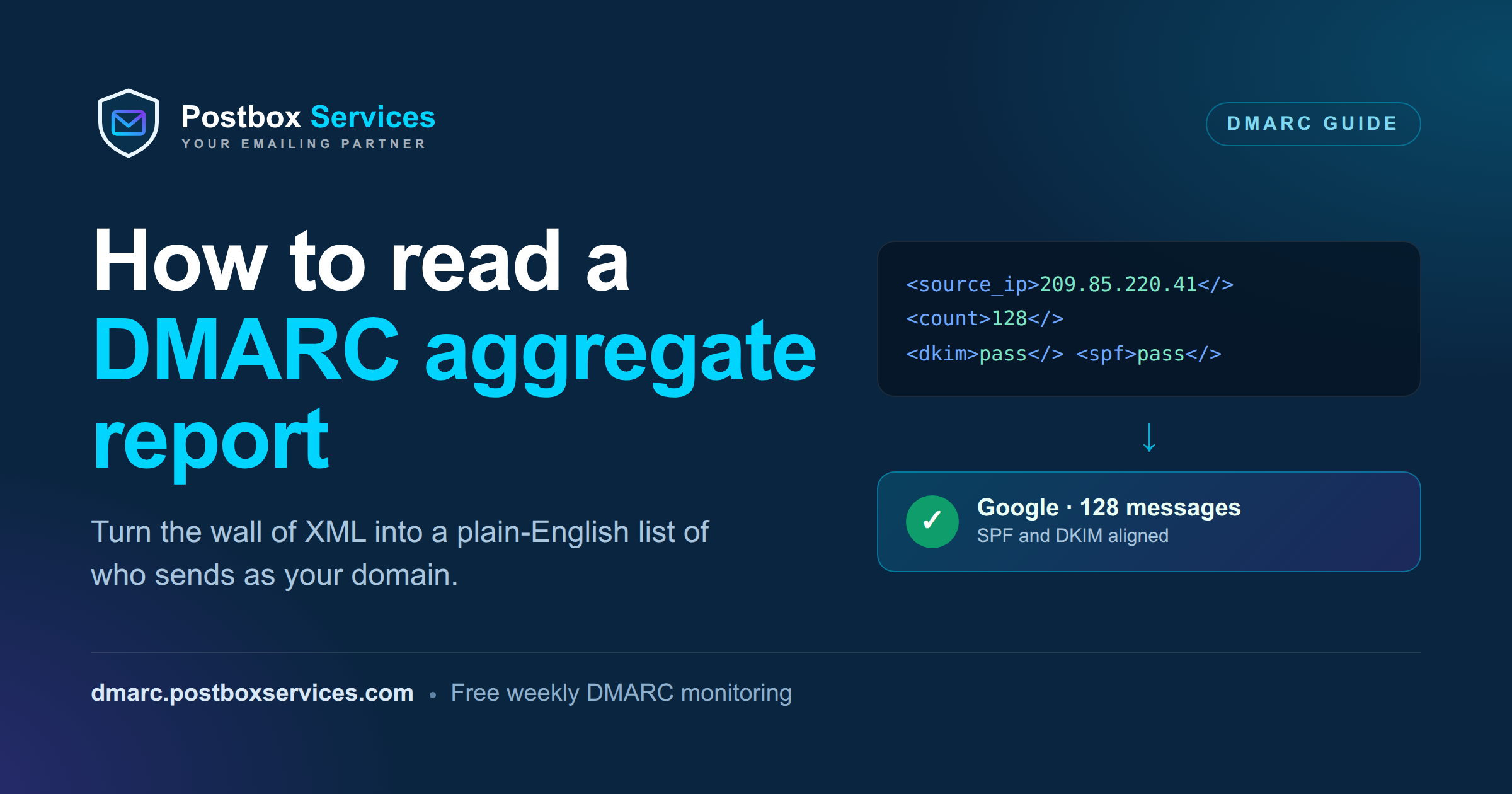
You published a DMARC record, and a few days later your first DMARC aggregate report arrived: a message from something like [email protected] with a file attached, yourdomain.com!google.com!1690000000!1690086400.xml.gz. You opened it, and it was a wall of XML. So you closed it again.
That file is one of the most useful things in email, once you can read it. A DMARC aggregate report tells you exactly who is sending mail as your domain: your own services, the vendors you forgot about, and anyone spoofing you. This guide walks through what the report is, how to read every field that matters, and a real example decoded into plain English.
What a DMARC aggregate report actually is
When you add a DMARC record to your DNS with a rua= address, you are asking the world’s mailbox providers to send you a daily summary of the mail they received claiming to be from your domain. That summary is the aggregate report. Its format is defined in RFC 9990, the aggregate-reporting spec that is part of the 2026 DMARCbis update (the DMARC core is now RFC 9989, which obsoleted the original RFC 7489).
A few things worth knowing up front:
- One report per provider, per day. Google sends one, Yahoo sends one, Microsoft sends one, and so on. A busy domain can receive 10 to 30 reports a day.
- It is a summary, not individual emails. Reports group messages by sending IP and result. You never see message content or recipient addresses. It is privacy-safe by design.
- It is always XML, often compressed as
.xml.gzor.zip. XML because it is machine-readable, which is a polite way of saying not human-readable. - It reports on authentication, not spam. The report tells you whether mail passed SPF and DKIM and lined up with your domain. It says nothing about whether the mail was wanted.
rua vs ruf: the two report types
The rua= tag in your DMARC record is what requests these aggregate reports (rua stands for reporting URI of aggregate data). There is also ruf=, which requests forensic reports: per-message failure samples. Most providers no longer send forensic reports for privacy reasons, so in practice rua is what you will actually receive. This guide is about those aggregate reports.
The shape of the file
Every report has the same three parts. Once you know them, the wall of XML becomes a form you can skim.
- Report metadata - who sent the report, a unique report ID, and the date range it covers (usually one 24-hour window).
- Published policy - the DMARC record they saw for your domain at the time: your policy (
p=), and your alignment settings (adkim,aspf). - Records - the actual data. One
<record>per sending source, each with a message count and its authentication results. This is the part you came for.
<report_metadata>
  <org_name>google.com</org_name>
  <report_id>14876492...</report_id>
  <date_range>
    <begin>1690000000</begin>  <!-- unix time -->
    <end>1690086400</end>
  </date_range>
</report_metadata>
<policy_published>
  <domain>yourdomain.com</domain>
  <adkim>r</adkim>  <!-- DKIM alignment: relaxed -->
  <aspf>r</aspf>   <!-- SPF alignment: relaxed -->
  <p>none</p>      <!-- your policy: monitor only -->
  <discovery_method>psl</discovery_method>  <!-- new in RFC 9990: psl or treewalk -->
</policy_published>
One field to watch is discovery_method, added in RFC 9990: it tells you whether the receiver used the old Public Suffix List (psl) or the new DNS tree walk (treewalk) to work out your organizational domain. Across the domains we monitor as of mid-2026, every provider still reports psl - watching it flip to treewalk in a provider's reports is the earliest signal that they have adopted the 2026 DMARCbis update. Our Postbox DMARC Monitor captures this field for you.
Reading a single record
Here is one record from the same report. This is where the real information lives, so we will decode it field by field.
<record>
  <row>
    <source_ip>209.85.220.41</source_ip>
    <count>128</count>
    <policy_evaluated>
      <disposition>none</disposition>
      <dkim>pass</dkim>
      <spf>pass</spf>
    </policy_evaluated>
  </row>
  <identifiers>
    <header_from>yourdomain.com</header_from>
  </identifiers>
  <auth_results>
    <dkim>
      <domain>yourdomain.com</domain>
      <selector>google</selector>
      <result>pass</result>
    </dkim>
    <spf>
      <domain>yourdomain.com</domain>
      <result>pass</result>
    </spf>
  </auth_results>
</record>| Field | What it means |
|---|---|
source_ip |
The IP address that sent the mail. Here, 209.85.220.41 is a Google server. |
count |
How many messages this one row represents. This source sent 128 messages in the window. |
header_from |
The domain in the visible From address, the one the recipient sees. This is the identity DMARC protects. |
policy_evaluated dkim / spf |
The DMARC verdict: did the mail pass and align? Both say pass here. |
disposition |
What the receiver actually did: none (deliver), quarantine (spam folder), or reject (block). Driven by your policy. |
auth_results |
The raw evidence: which domain DKIM-signed the message, with which selector, and which domain SPF authorized. |
In plain English: On this day, 128 messages came from a Google server claiming to be from yourdomain.com. The message was DKIM-signed for yourdomain.com using the google selector and passed. SPF also passed for yourdomain.com. Both aligned with your From domain, so the DMARC verdict is a clean pass. This is your legitimate Google Workspace mail. Nothing to do.
The one thing everyone gets wrong: alignment
This is the concept that turns a confusing report into an obvious one, so it is worth slowing down.
There are two different questions being asked about every message:
Authentication
Is the SPF or DKIM signature technically valid? This is what auth_results shows.
Alignment
Does the domain that passed match the From domain the reader sees? This is what DMARC adds on top.
A message can pass SPF and still fail DMARC, because SPF passed for some other domain, not yours. DMARC only cares about a pass that is aligned with the From address. To get a DMARC pass, a message needs at least one of these:
- SPF aligned: the domain SPF authorized matches your From domain, and SPF passed.
- DKIM aligned: the domain in the DKIM signature matches your From domain, and DKIM passed.
Relaxed vs strict
The adkim and aspf values in the report control how exact the match must be. r (relaxed, the default) counts a subdomain such as mail.yourdomain.com as aligned with yourdomain.com. s (strict) requires an exact match. Most people should stay on relaxed.
Now a record that fails
Here is the record that actually matters, the kind you are looking for. Same domain, very different story.
<record>
  <row>
    <source_ip>198.51.100.24</source_ip>
    <count>57</count>
    <policy_evaluated>
      <disposition>none</disposition>
      <dkim>fail</dkim>
      <spf>fail</spf>
    </policy_evaluated>
  </row>
  <identifiers>
    <header_from>yourdomain.com</header_from>
  </identifiers>
  <auth_results>
    <spf>
      <domain>mail.some-crm.com</domain>
      <result>pass</result>
    </spf>
  </auth_results>
</record>
Look closely. SPF result in auth_results says pass, yet policy_evaluated says SPF fail. That is not a contradiction. SPF passed for mail.some-crm.com, which is not your domain, so it did not align. There is no DKIM signature at all. With neither SPF nor DKIM aligned, the DMARC verdict is fail.
In plain English: 57 messages went out from a CRM tool sending as yourdomain.com, but the mail was authenticated for the CRM’s own domain, not yours. It could be a marketing tool you signed up for and never configured properly, or it could be someone spoofing you. Either way, the report just found it. Under your current p=none it was still delivered. Under p=reject, it would have been blocked.
This is the whole point of DMARC
Every failing source is a decision: authenticate it if it is yours, or shut it down if it is not. The report hands you the list. Your job is to work through it until only aligned sources remain, then tighten your policy.
From reading reports to acting on them
Once you can read the report, the workflow is always the same. Move your policy up the ladder only when the failures below it are explained.
Monitor
Change nothing about delivery. Just collect reports and build the full list of who sends as you. Stay here until you recognize every aligned source.
Soft enforce
Unaligned mail goes to spam instead of the inbox. Move here once your legitimate sources all pass and align.
Full enforce
Unaligned mail is blocked outright. This is where spoofing actually stops. It is the goal, reached only after the first two steps are clean.
Do not want to read XML every week?
Our free DMARC monitor turns these reports into one plain-English email: who is sending as you, what is aligned, and what to fix. Add one DNS record and you are done.
Get free DMARC monitoring Talk to a deliverability expertQuick reference
| You see | It means |
|---|---|
disposition = none |
Delivered normally. Your policy is p=none, or the mail aligned. |
disposition = quarantine / reject |
Sent to spam or blocked. Unaligned mail under an enforcing policy. |
policy_evaluated both fail |
DMARC failed. Investigate the source in auth_results. |
SPF pass in auth, fail in policy |
SPF passed for a different domain. Not aligned. |
selector present |
The DKIM key used to sign. Handy for spotting which service signed the mail. |
| An IP you do not recognize failing | A forgotten vendor to authenticate, or a spoofer to stop. |
Frequently asked questions
What is a DMARC aggregate report?
A DMARC aggregate report is a daily XML summary sent by mailbox providers (Google, Yahoo, Microsoft and others) to the address in your domain’s DMARC rua tag. It lists every source that sent mail claiming to be from your domain, grouped by sending IP, with the SPF and DKIM authentication and alignment results for each. It reports on authentication, not spam, and contains no message content or recipient addresses, so it is privacy-safe by design. Its format is defined in RFC 9990, the aggregate-reporting spec in the 2026 DMARCbis update (the DMARC core is now RFC 9989).
What is rua in DMARC?
rua is the DMARC record tag that requests aggregate reports. It stands for reporting URI of aggregate data, and its value is the mailto address where providers should send the daily XML summaries, for example rua=mailto:[email protected].
What is the difference between rua and ruf in DMARC?
rua requests aggregate reports: daily statistical summaries of all mail claiming to be from your domain. ruf requests forensic reports: individual per-message samples of failures. Most providers no longer send ruf forensic reports for privacy reasons, so in practice the aggregate (rua) reports are what you receive.
Why does SPF pass in a DMARC report but the message still fails DMARC?
Because DMARC requires alignment, not just a valid SPF or DKIM result. If SPF passes for a domain that is not your From domain, it does not align, so DMARC treats it as a fail. A message passes DMARC only when SPF or DKIM passes for a domain that matches the visible From address.